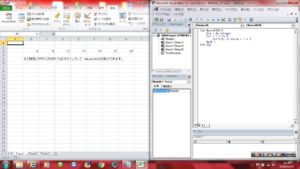
Sub Macro0425()
Dim i As Integer
For i = 2 To 8
Cells(3, i).Value = i * 3
Next i
End Sub

Just another WordPress site
Sub Macro0425()
Dim i As Integer
For i = 2 To 8
Cells(3, i).Value = i * 3
Next i
End Sub
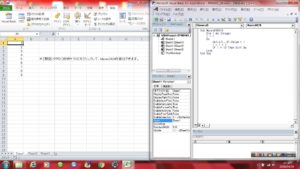
Sub Macro0424()
Dim i As Integer
i = 1
Do
Cells(i, 1).Value = i
i = i + 1
If i = 10 Then Exit Do
Loop
End Sub
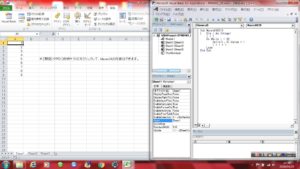
Sub Macro0423()
Dim i As Integer
i = 1
Do While i < 10
Cells(i, 1).Value = i
i = i + 1
Loop
End Sub
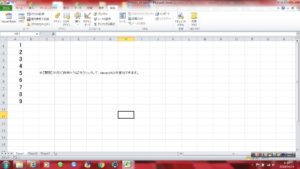
Sub Macro0422()
Dim i As Integer
i = 1
Do Until i = 10
Cells(i, 1).Value = i
i = i + 1
Loop
End Sub
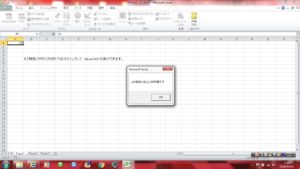
Sub Macro0421()
Dim x As Integer
x = Range(“A1”).Value
Select Case x
Case 0
MsgBox “xの値は0です”
Case 1 To 10
MsgBox “xの値は1以上10以下です”
Case Is < 100
MsgBox “xの値は11以上100未満です”
Case 200, 300, 400, 500 To 1000
MsgBox “xの値は100の倍数か500から1000の間です”
Case Else
MsgBox “xの値はそれ以外です”
End Select
End Sub
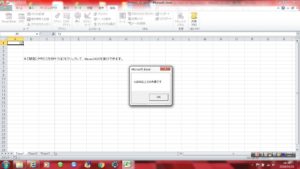
Sub Macro0420()
Dim x As Integer
x = Range(“A1”).Value
If x >= 100 Then
MsgBox “xは100以上です”
ElseIf x >= 50 Then
MsgBox “xは50以上100未満です”
ElseIf x >= 10 Then
MsgBox “xは10以上50未満です”
Else
MsgBox “xは10未満です”
End If
End Sub
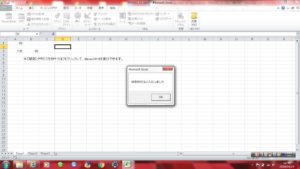
Sub Macro0419()
Dim i As Integer
i = Range(“A1”).Value
If i >= 100 Then
Range(“A3”).Value = i
MsgBox i & “をA3セルに入力しました”
Else
Range(“B3”).Value = i
MsgBox i & “をB3セルに入力しました”
End If
End Sub
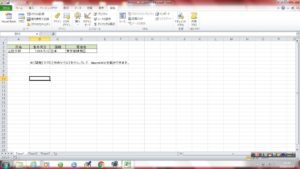
Sub Macro0402()
Dim bDay As Date, cAge As Integer
bDay = Range(“B3”).Value
cAge = Year(Now – bDay) – 1900
MsgBox “あなたの生年月日は” & bDay & “。現在は” & cAge & “歳です。”
End Sub
range プロパティでその値を得る
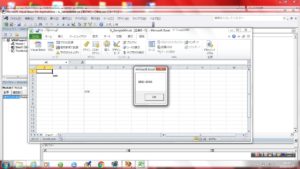
Option Explicit
Sub A_Sample004()
Dim myRng As Range
Dim mySht As Worksheet
Set mySht = Worksheets(1) ‘任意のシート
‘準備ここまで
Set myRng = mySht.UsedRange
MsgBox myRng.Address
Set myRng = Nothing ‘オブジェクトの解放
Set mySht = Nothing
End Sub
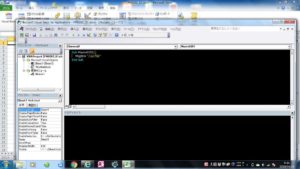
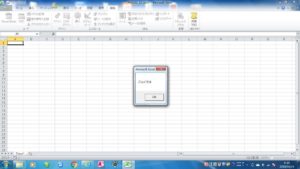
Sub Macro0201()
MsgBox “こんにちは”
End Sub